Player market
Sell spare items to other players and find supplies for your next build. Trades use the in-game markka currency.
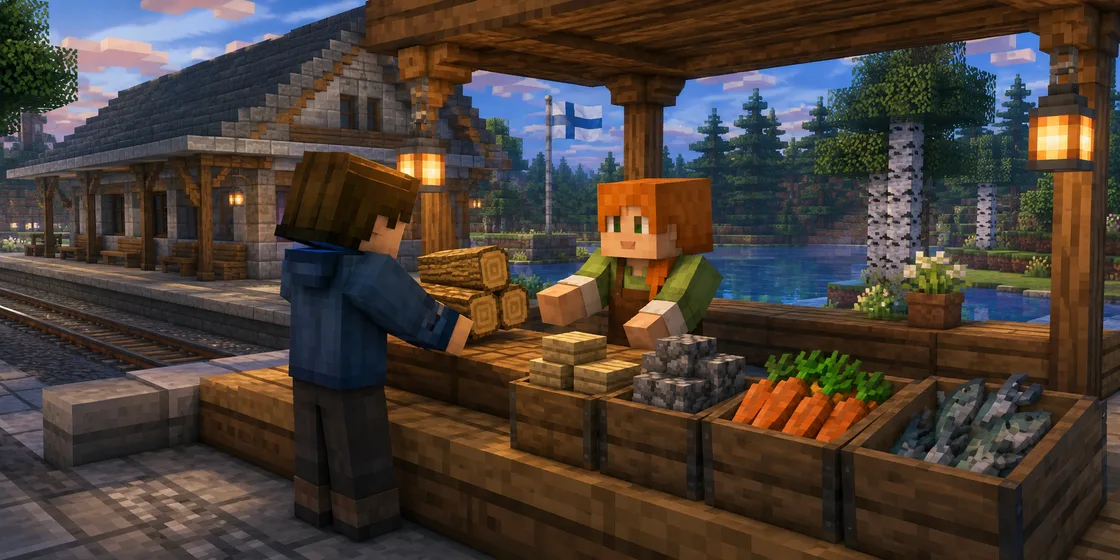
The web market is available in the open beta.
Open your market
/marketUse /market (or /tori) in game for a personal sign-in link. It works once and opens a 15-minute session. Do not share the link.
Stay in game while buying, publishing a listing or managing items in your browser. Other players can buy your published listings while you are offline.
Request a new link in game if the link or session expires. Your items and markka do not disappear when a session ends. The market, Build Library and travelbook share sign-in: a new management link replaces the old one.
How to sell
Deposit at a station
Open your personal menu at the station MARKET terminal. Select a stack from your inventory and check the 1 mk office fee before confirming. A successful deposit moves the stack into your own market storage, not a shared chest.
Set the price in your browser
Open My storage and choose List for sale. The price covers the whole stack, not one item. Depositing an item does not list it for sale.
Confirm the listing
Check the quantity, total price, fee and your proceeds. Confirm the price and publish. Payment reaches your balance when another player buys the lot.
How to buy and collect
Find a suitable lot
Search using English or Finnish item names. Filter by category, such as food or building blocks, and by the minimum or maximum whole-lot price. You can also sort offers by price per item.
Buy the whole stack
Check the item, quantity and price before confirming. Purchases go into your market storage. You need enough markka and a free storage slot.
Collect at a station MARKET terminal
Select Return to game in your browser, then press Return from market in the station MARKET menu in game. It collects your requested stacks into your inventory for free. If a whole stack does not fit, it stays in market storage.
Prices and storage limits
1 mk per deposited stack. The office fee is charged only for a successful deposit from your inventory into the market, even if you do not list the item for sale. The fee is shown before confirmation. Insufficient funds or full storage prevents the deposit. Existing deposits are not charged retrospectively.
- 3% per completed trade
- The fee is deducted from the seller’s proceeds and rounded down to whole markka. A 100 mk sale pays the seller 97 mk; the previously paid 1 mk deposit fee is a separate cost. Listing or relisting stored goods, cancellation and collection are free.
- 10 storage slots + 10 listing slots
- One natural item stack uses one slot. Full market storage prevents further purchases. Cancelled or expired sales keep a listing slot until collected or moved into a free storage slot.
- Listings last 7 days
- Expired offers can no longer be bought, but the items remain collectable. NPC buyer daily earning caps do not apply to trades between players.
Compare completed trade prices
Item cards and buy/publish confirmations show the lowest, highest and average completed unit prices for matching items. The window covers 30 days and up to the latest 1,000 trades. Trade counts and quantities sold are also shown.
Prices are markka per item before sales commission, not whole-stack prices. The deposit fee is not included. The average is total sales value divided by the number of items sold. Unsold listings do not affect the figures, and differences such as enchantments or condition are kept separate.
If there are no completed trades, the market says so instead of showing a zero price. Fewer than five trades trigger a small-sample warning. Individual or coordinated trades can skew the figures: history is a comparison aid, not a price limit or a promise of a future sale price.
What about buy requests?
Create and fulfil buy requests through the station market menu. Hold an example stack of a plain vanilla item and set a price for the whole lot. The price is reserved immediately, but you keep the example. Cancelling an unfilled request returns the reserved markka.
Which items can I trade?
The market accepts ordinary transferable items such as building materials and eligible equipment. The game’s recorded fish catches and raw venison are also supported. Bound scrolls, personal special items, shulker boxes and bundles are not accepted. The game checks eligibility before deposit.
If a trade confirmation is unclear, refresh the market before retrying. A connection error does not necessarily mean the trade was cancelled. Report problems in game with /report.
Markka cannot be bought with real money.